> ## Documentation Index
> Fetch the complete documentation index at: https://docs.distoai.com/llms.txt
> Use this file to discover all available pages before exploring further.
# Create Firebase Project
Disto uses Firebase for authentication. Follow the instructions below to create a Firebase project.
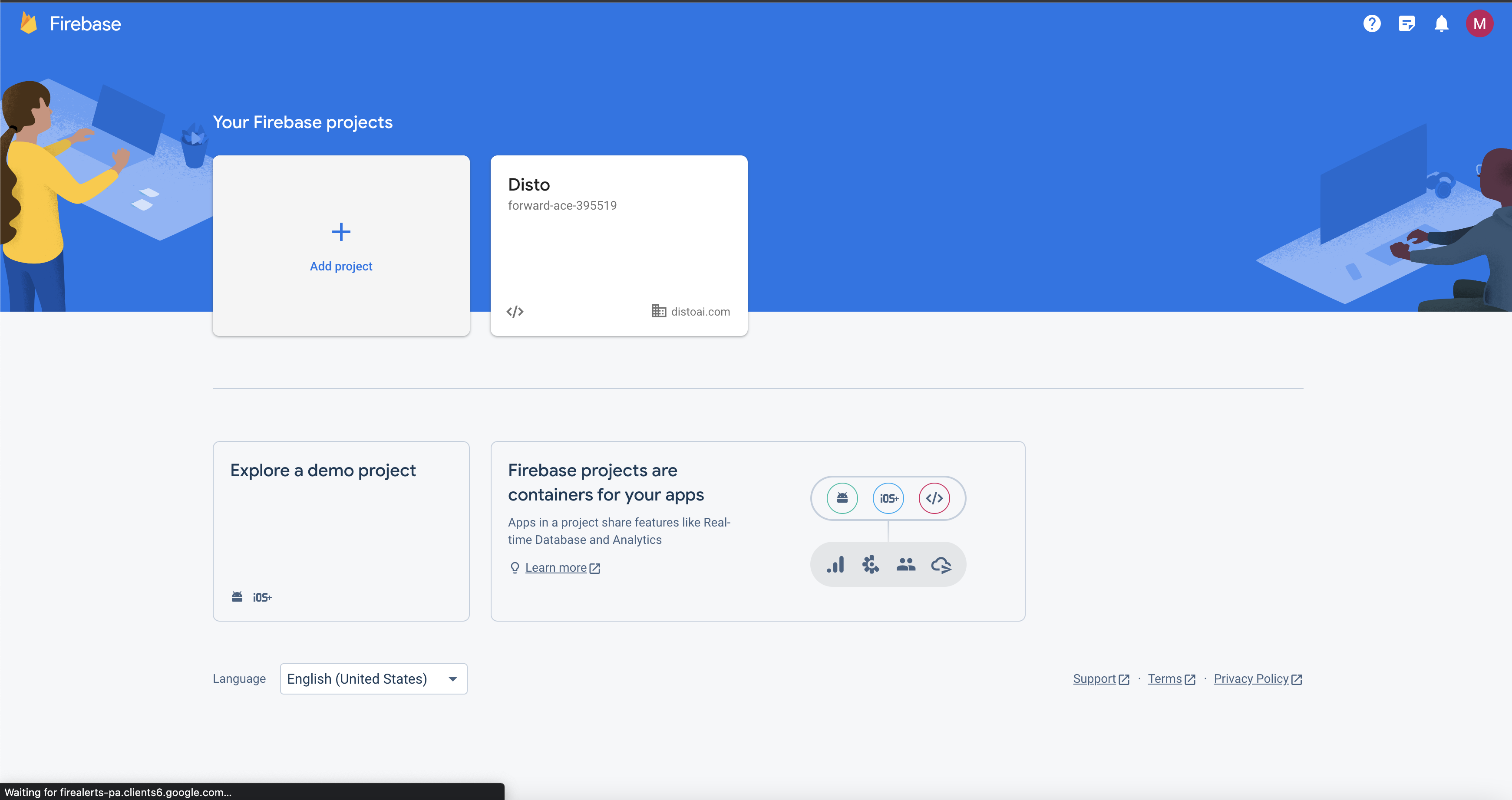
1. Go to the [Firebase console](https://console.firebase.google.com/). Click "Add Project"
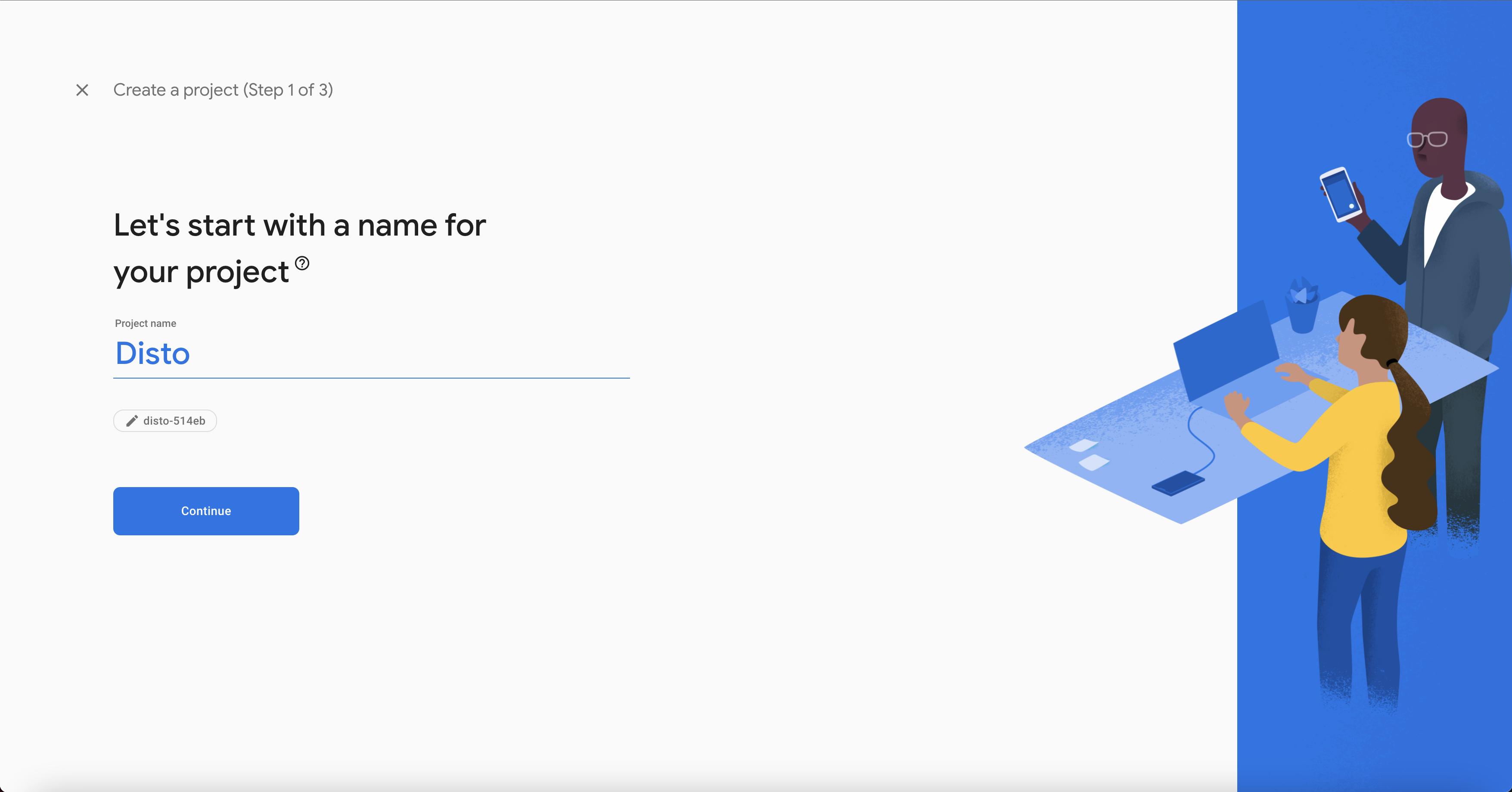
 2. Name your project "Disto". Click "Next".
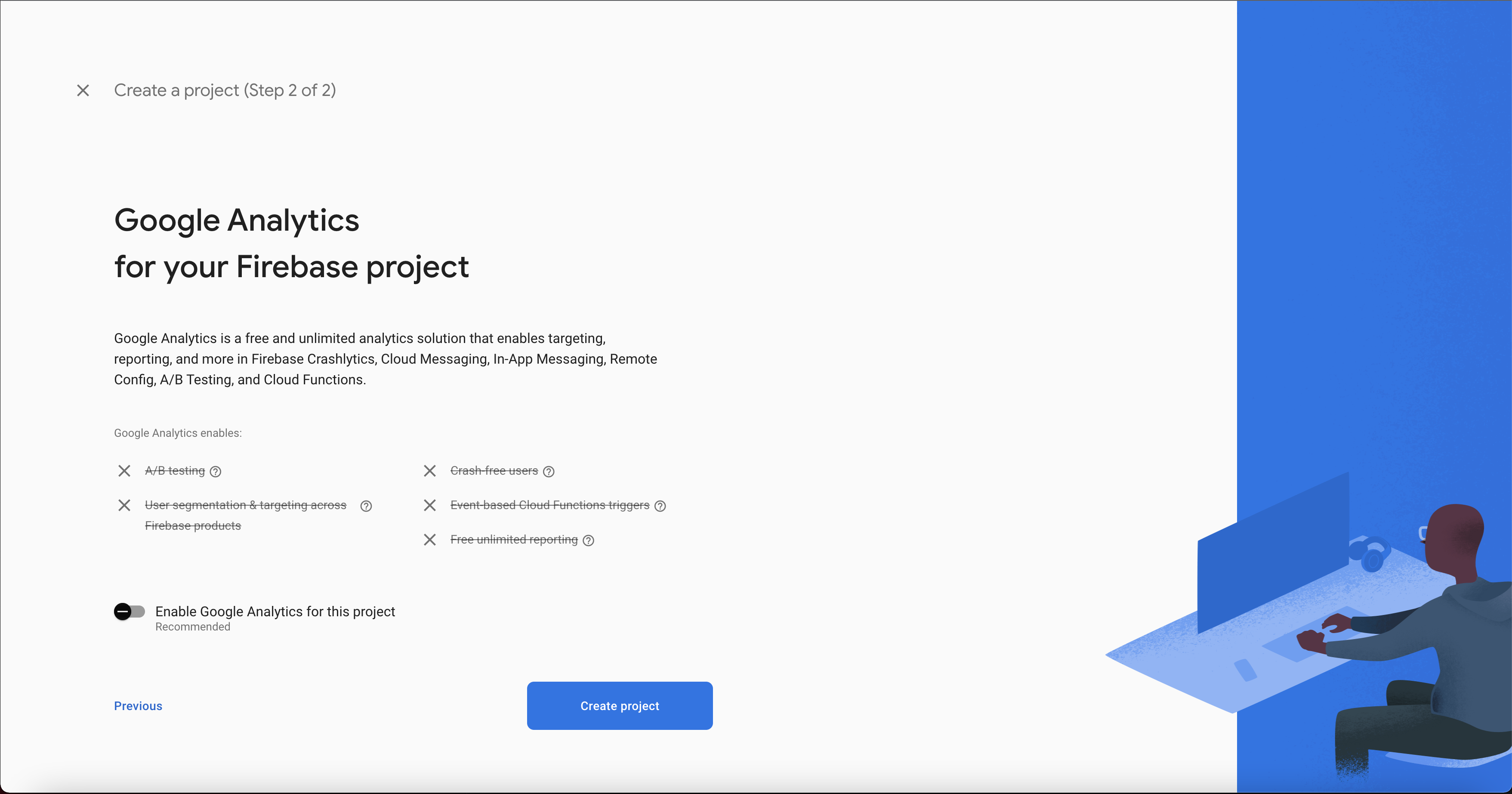
 3. Disable Google Analytics. Click "Create Project".
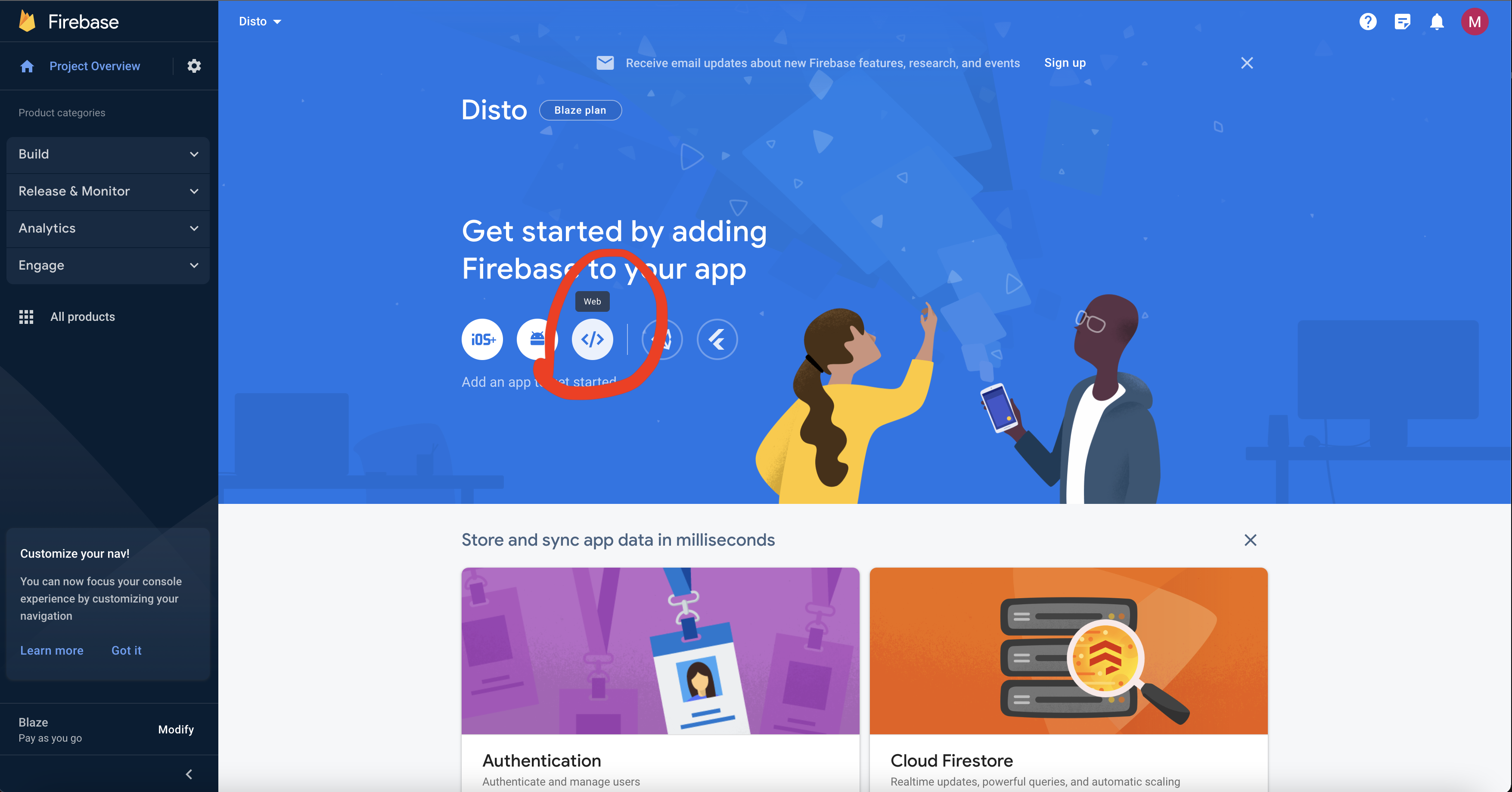
 4. After you've created the project, go to the project overview page. Click "web".
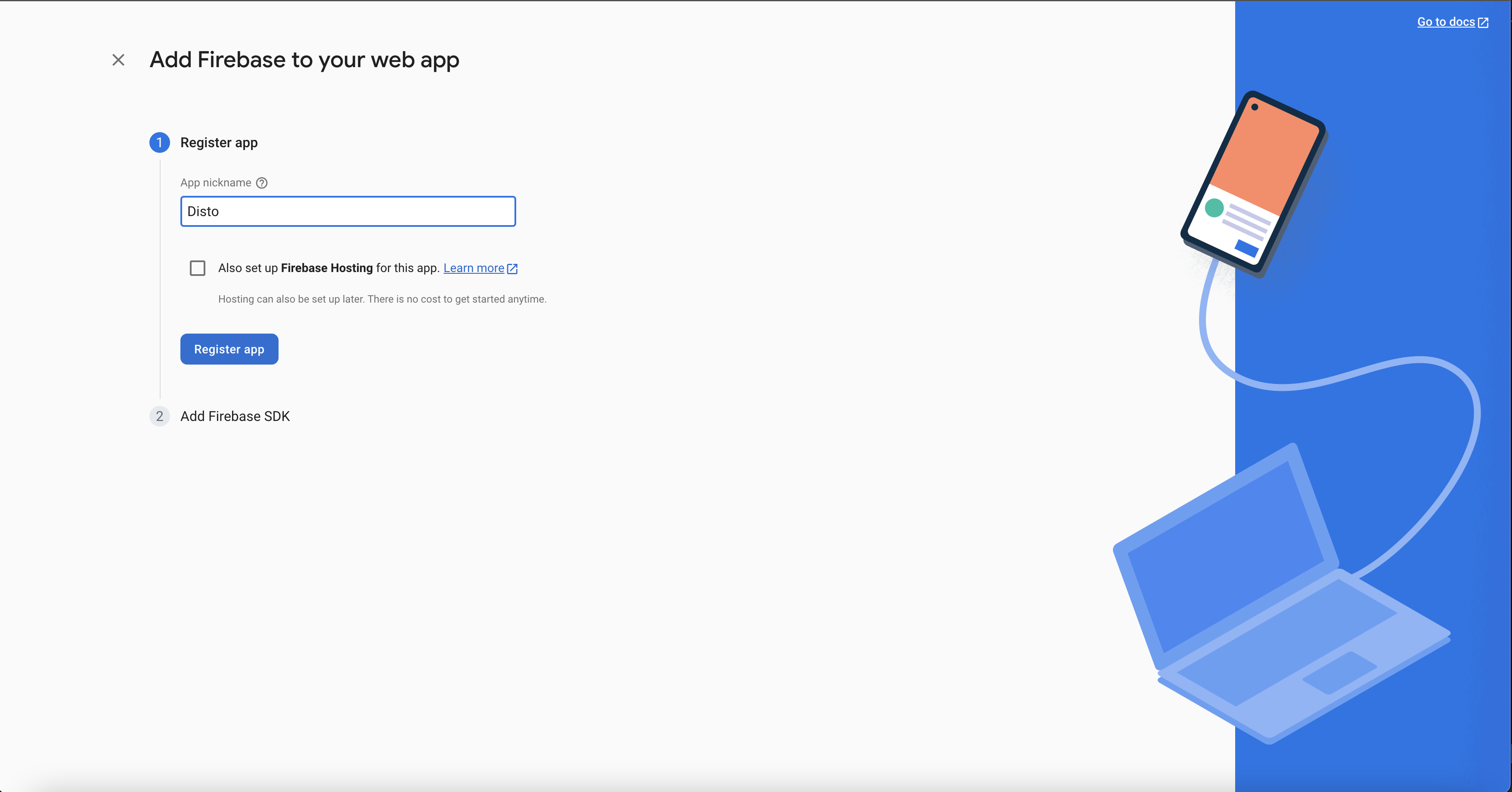
 5. Write "Disto" for your app nickname. Click "Register App".
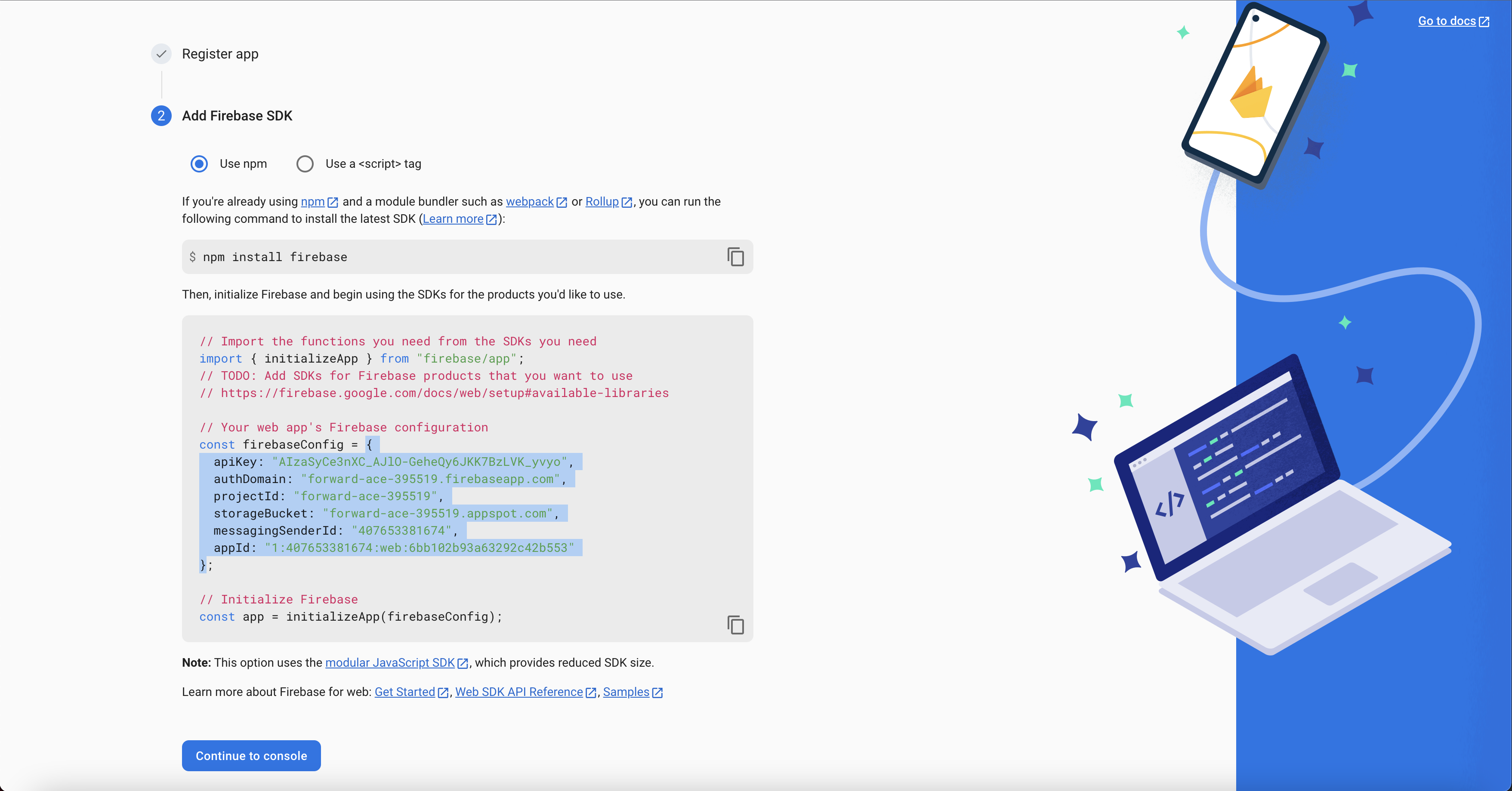
 6. Copy your Firebase config json as shown in the picture below, and save it to a file. Click "Continue to Console".